Understanding Update Requirements
To successfully update the 9 Club app, specific requirements must be met, including device compatibility and sufficient storage space.
The app size for the latest version is approximately 150 MB, which may vary based on the device.
- Compatibility with Android 5.0 and higher.
- iOS version requires iOS 12.0 or later.
- At least 200 MB of free storage recommended for smooth installation.
- Ensure a stable internet connection for downloading updates.
Steps to Update the 9 Club App on Android
Updating the 9 Club app on Android devices can be done easily through the Google Play Store.
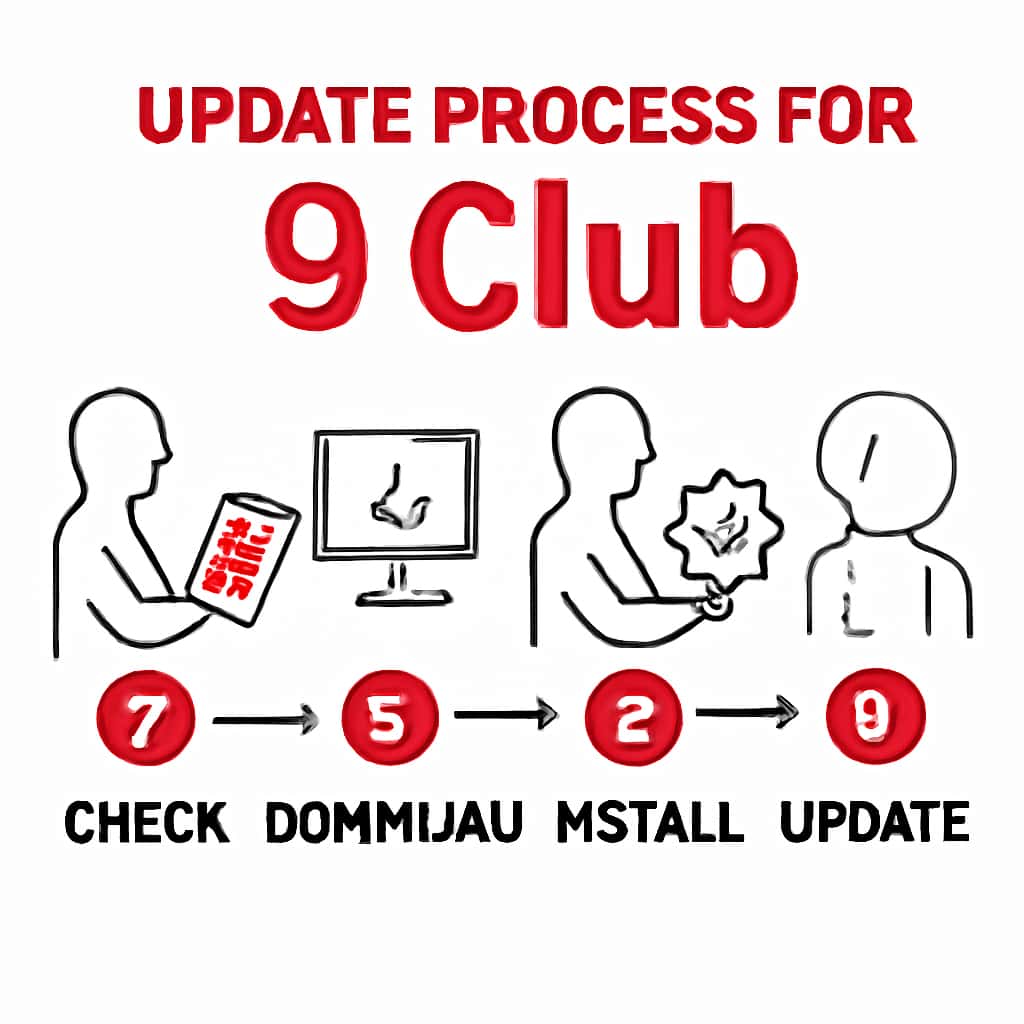
Follow these steps to ensure a successful update.
- Open the Google Play Store.
- Search for '9 Club' in the search bar.
- If an update is available, you will see an 'Update' button.
- Tap 'Update' and wait for the installation to complete.
- Launch the app to access the latest features.
Steps to Update the 9 Club App on iOS
For iOS devices, updates can be managed through the App Store.
The following steps will guide you through the update process.
- Open the App Store on your device.
- Tap on your profile icon at the top of the screen.
- Scroll down to find 'Available Updates'.
- Locate '9 Club' and tap 'Update'.
- Once updated, open the app to explore the newest features.